Portrait archivist
An older family image has scratches across the face.
Assess cleanup before attempting a speaking portrait, while keeping any imagined speech clearly separate from the historical photograph.
magic hour ai image editorPortrait animation
A talking photo starts with a clear portrait and a short piece of speech. This magichour guide helps you prepare both, understand the choices, and judge the result without assuming every image will animate convincingly.
Explore the workflow in a separate service
This page is a guide, not a live tool. Prepare your idea here, then open Kyncept and enter it there if the relevant tool is available.
Open Kyncept toolsIndependent guide: partner links open Kyncept, a separate service for text-to-image, image-to-video and text-to-video creation. No prompt, image or file is transferred from this page. Sign in to explore the tools. A new account receives three credits, enough to try image creation but not video generation, which costs at least ten credits. Kyncept does not offer a talking-photo or talking-avatar workflow.
Before exploring a talking photo, decide who may appear in it, what they will say, and whether you have permission to use their likeness and voice.
These checks help separate a workable source from problems animation may make more obvious.
Hair, hands, masks, and strong shadows conceal the features needed to judge a speaking face. A talking photo may then show unstable or implausible mouth shapes.
WorkaroundChoose a front-facing image with an unobstructed mouth and even lighting.
A portrait does not contain speech, vocal identity, or permission to imitate someone. Do not present generated dialogue as a real recording.
WorkaroundUse speech you are entitled to use and label synthetic performances where context calls for it.
Blur, compression, and a tiny face remain source problems even if motion is added. Upscaling may change dimensions without recovering the original features.
WorkaroundFind a sharper source portrait before deciding whether enlargement is worthwhile.
Treat the first attempt as a short test, not a finished performance. The exact controls available depend on the destination you open.
Start with one consenting subject, a visible face, and a simple background. Crop so the head has room to move without running into the frame edge.
Write one or two natural sentences. If the available workflow accepts audio, use a clean recording with little background noise; otherwise inspect its speech-input options before proceeding.
Look at mouth timing, teeth, blinking, and the outline of the face. If the result feels uncanny, shorten the line or switch the source image rather than assuming more attempts will fix it.
A talking photo and lip-syncing existing footage solve different starting problems. Use the source you actually have to choose a workflow.
Still-portrait workflow
Existing-video workflow
Still-portrait workflow
One photograph or illustration
Existing-video workflow
A clip containing a visible face
Still-portrait workflow
Facial motion must be created from a still
Existing-video workflow
The clip already contains head and body motion
Still-portrait workflow
Prepare dialogue and check which speech inputs are available
Existing-video workflow
Prepare replacement speech or audio for the existing clip
Still-portrait workflow
Clear, unobstructed face with crop room
Existing-video workflow
Face remains visible through the relevant footage
Still-portrait workflow
Whether new facial movement stays believable
Existing-video workflow
Whether mouth movement matches speech throughout the clip
Still-portrait workflow
Natural movement and recorded speech
Existing-video workflow
Usually neither a still pose nor a blank motion track
The source image often determines which task to tackle first. These are related questions, not promises that one control will perform every task.
An older family image has scratches across the face.
Assess cleanup before attempting a speaking portrait, while keeping any imagined speech clearly separate from the historical photograph.
magic hour ai image editorA presenter has already been filmed but the spoken line needs changing.
Compare a footage-based lip-sync task instead of rebuilding the performance from one still.
magic hour ai lip syncThe only approved portrait is small and will appear on a large screen.
Evaluate the source resolution and enlargement trade-offs before testing facial motion.
magic hour upscalerThe concept calls for a different person in existing footage, not a still image speaking.
Review likeness permissions and the distinct face-replacement task before choosing an approach.
magic hour ai face swapIllustrative images, not a verified before-and-after of the same subject. In a real talking photo, inspect the mouth, face outline, and eye movement together; a convincing frame does not guarantee a convincing sequence.
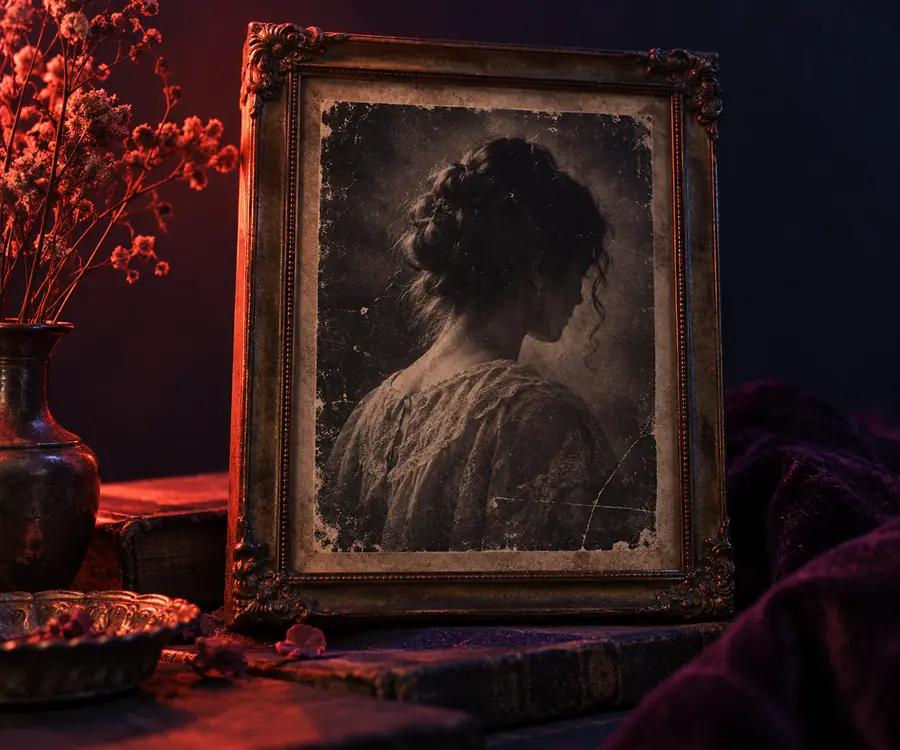
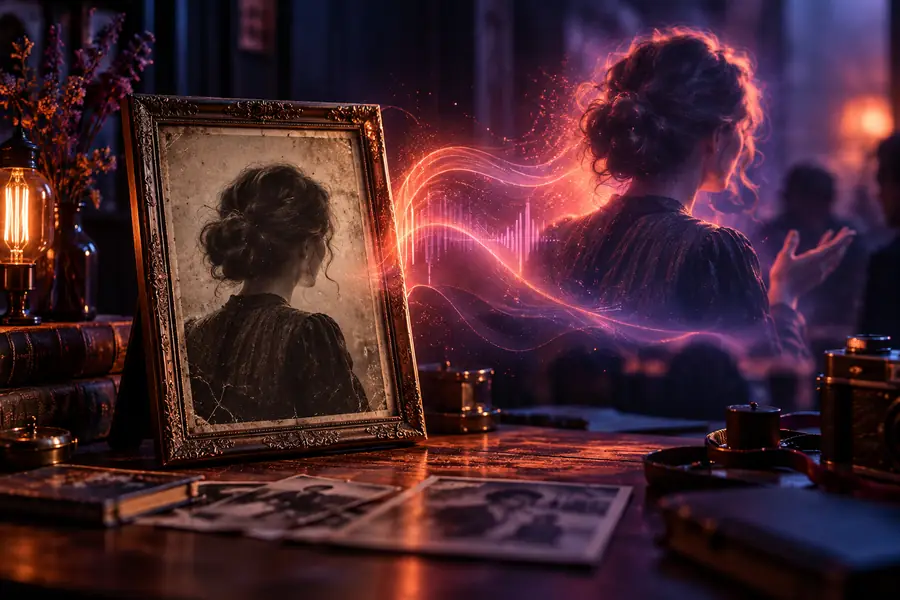
Bring a portrait you have permission to use and a short line of dialogue. Open the creative destination to check its current inputs and see whether its available workflow fits your talking photo.
Explore portrait toolsKyncept cannot make a photo speak.
The phrase describes making a still portrait appear to speak. This page explains the inputs and review criteria for that kind of result; check the destination's current tools for its actual controls and supported inputs.
Choose a sharp portrait with one clearly visible face, an unobstructed mouth, and enough space around the head. Avoid heavy blur or an extreme side angle, which can make facial movement difficult to judge.
Speech-input options vary by workflow, so inspect the available controls before planning around text or recorded sound. Either way, write a short line first and check how well the resulting mouth movement matches it.
No. A talking photo starts with a still image and needs new facial motion, while video lip-sync works with movement already present in footage. The distinction matters when choosing a source and evaluating the result.
Only use a likeness when you have appropriate permission, particularly if the result makes a real person appear to say something they never said. Make the synthetic nature of the performance clear whenever viewers could mistake it for an authentic recording.